Getting a computer is just the beginning.
That’s the philosophy behind give IT. get IT. and it’s baked into everything we do. When you receive a device through our program, you’re not just getting hardware. You’re getting a team behind you, ready to help you get online, get comfortable, and get going.
We call it our 360 approach. And the free support for our clients from the Help Desk is a big part of how it works.
More Than a Device
Access to technology isn’t just about having a laptop in your hands. It’s about knowing what to do with it. For a lot of people, that first step onto a new device can feel overwhelming, especially without someone to call when something goes wrong.
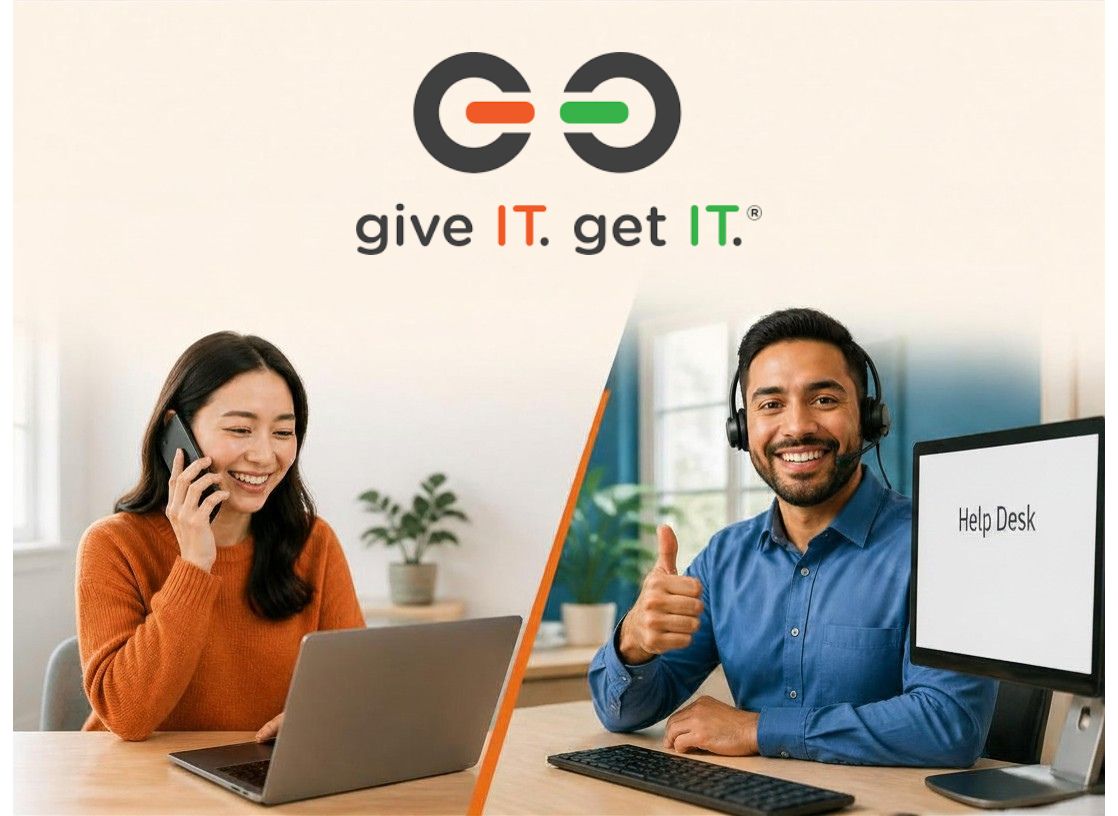
That’s exactly the gap our Help Desk is designed to fill. Whether you’re setting up your device for the first time, forgot your password, or ran into a software issue that has you stuck, our team is here. Real people, ready to help.
What the Help Desk Can Help With
Our Help Desk supports give IT. get IT. participants and clients across New England with a wide range of technical needs, including:
Most issues can be resolved remotely, through a phone call, email exchange, or direct access to your device. No driving across town, no waiting rooms. Just straightforward help when you need it.
Real Questions We Help With Every Day
Not sure if your question is “worth” calling about? It is. Here’s a glimpse at the kinds of things our team handles all the time.
Just getting started:
Building confidence and doing more:
If you’ve asked yourself any of these questions, you’re exactly who we’re here for.
Personal Guidance Is the Point
Community access to technology isn’t just a hardware problem. It’s a confidence problem. It’s a language barrier. It’s not knowing who to call. It’s getting a device and then feeling alone with it.
We’ve seen what happens when people have real, ongoing support. They use their devices more. They get more comfortable online. They apply for jobs, connect with services, and build skills that carry forward into the workforce. The personal guidance piece isn’t a nice-to-have. It’s the whole thing.
That’s why Help Desk hours run Monday through Friday, 10 am to 7 pm EST with evening hours that work for people who are at work or school during the day.
How to Reach Us
You can get in touch three ways:
No question is too small. No problem is too simple. If something isn’t working and it’s slowing you down, we want to hear from you.
Getting a device from give IT. get IT. means you’ve got a team on your side. We’re here for the long haul.
Related Articles