Free tools that fill the gap on give IT. get IT. computers
Many computers from give IT. get IT. run Linux Mint, a free operating system built on Ubuntu. Mint is fast, secure, and friendly for beginners.
Here is the honest part. Android has Family Link. Apple has Screen Time. Windows has Family Safety. Mint does not come with a one-stop tool like those. The good news is that free tools cover most of what a family needs, and our helpdesk can help you set them up.
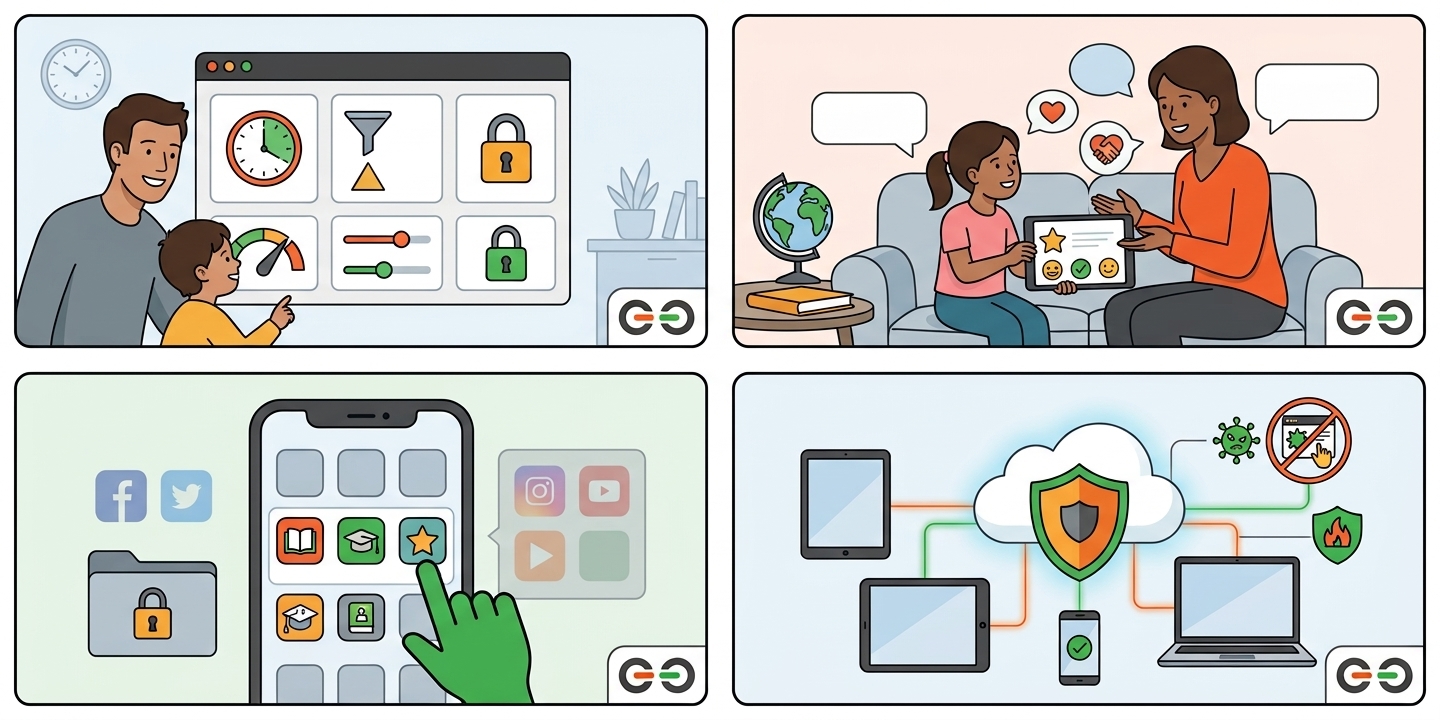
A standard account can use the computer, but it cannot install software or change system settings. Only an administrator can do that. On Mint, open the menu and look for Users and Groups to add an account, then choose Standard as the account type. Keep the administrator password private.
Timekpr-nExT is a free tool that controls how long, and when, your child can use the computer. You can set a daily time limit, choose allowed hours (for example, no computer after 9 pm), and lock the account when time runs out. It only works on standard accounts, which is one more reason for Step 1.
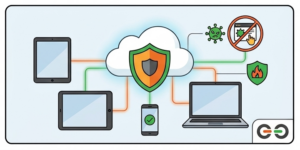
A free DNS filtering service, such as OpenDNS FamilyShield or CleanBrowsing Family Filter, blocks adult websites on every device connected to your home Wi-Fi. You set it up once in your router settings. It covers the Mint computer, phones, and tablets at the same time, with nothing to install.
There is no single free app on Mint that matches Family Link or Screen Time. The closest free combination is a standard account, Timekpr-nExT for time limits, and a DNS filter for content. That is three free pieces, and our helpdesk can help you put them together.
If you have a Windows 11 or Linux Mint computer from give IT. get IT., our free Help Desk is here for you. We will walk you through each step, whether you are brand new to this or just want a second set of eyes. No question is too small.
Most issues can be solved remotely, by phone, by email, or with direct access to your device. No driving, no waiting rooms. Learn more about our Help Desk.
Please note: the Help Desk supports the computers we provide. give IT. get IT. does not provide or support Apple or Android devices.
Need a Computer? Apply Through give IT. get IT.
give IT. get IT. provides warrantied, refurbished computers, with free user support, to eligible individuals and families. Every system comes with Windows 11 or Linux Mint, plus access to our Help Desk.
Ready? Apply for a computer at giveitgetit.org
Every guide in this series is written for beginners. Pick the one that matches your device.
give IT. get IT. helps families navigate technology safely, regardless of budget. Reach out to our team for a free digital literacy session. Learn more at giveitgetit.org.